Browse 110+ Media and Streaming Appliances on the NetActuate Media Marketplace
Explore


Browse 110+ Media and Streaming Appliances on the NetActuate Media Marketplace

By clicking "Accept all" you allow cookies that improve your experience on our site, help us analyze site performance and usage, and enable us to show relevant marketing content. You can manage cookie settings below. By clicking “Confirm selection” you agree with the current settings.

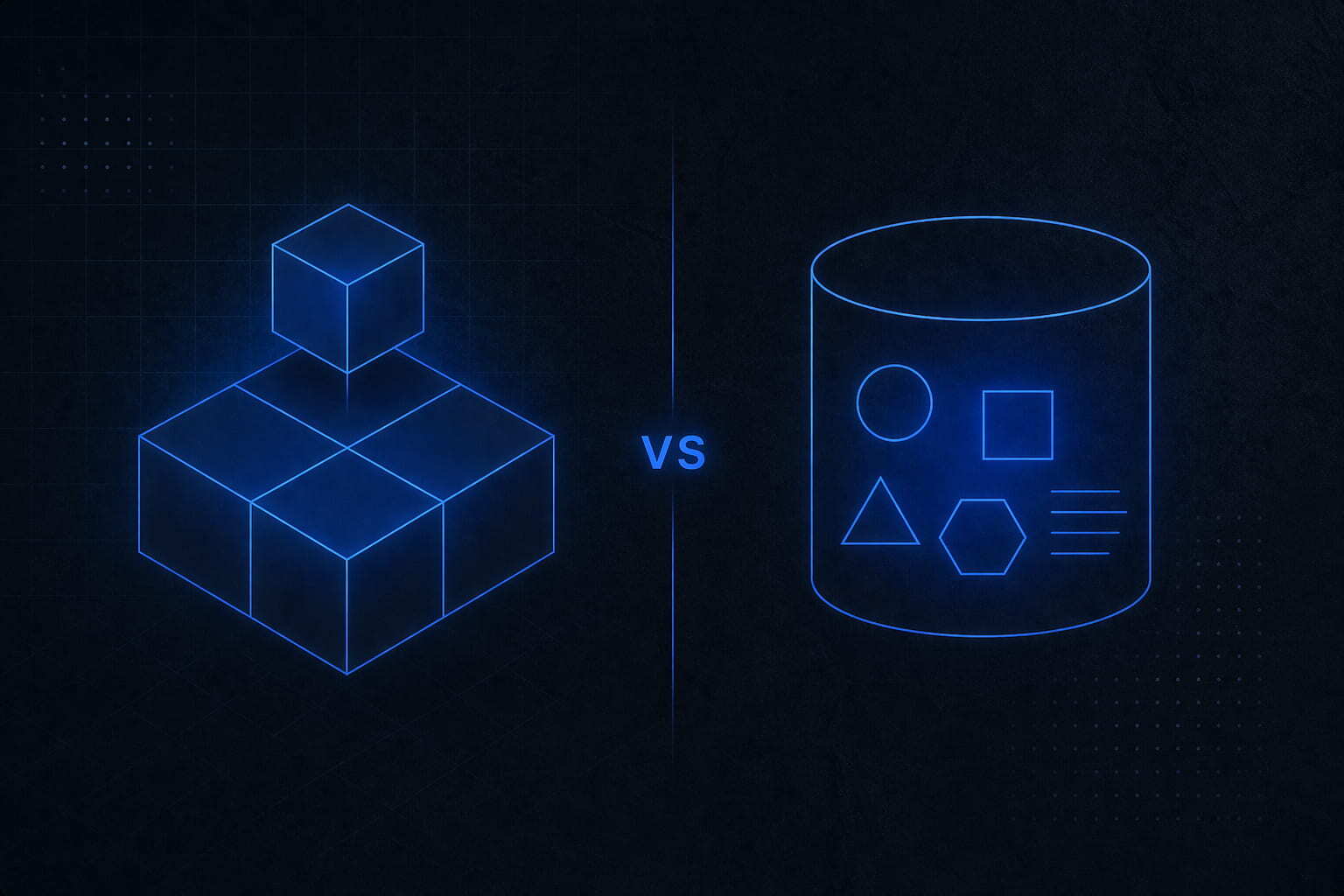
Quick Answer
• Block storage delivers sub-millisecond, byte-level I/O and is ideal for databases, VMs, and Kubernetes persistent volumes.
• Object storage offers near-unlimited scale through an HTTP API and is built for backups, logs, media files, and ML datasets.
• Most production architectures use both. Choosing the wrong tier costs you in performance, budget, or both.
5 Key Differences at a Glance
1. Access method: Block storage mounts like a local disk. Object storage is accessed via HTTP or S3 API.
2. Latency: Block storage is sub-millisecond. Object storage adds API round-trip overhead measured in milliseconds.
3. Mutability: Block storage supports in-place byte-level writes. Object storage is write-once and replace-to-update.
4. Scale model: Block storage is provisioned capacity. Object storage scales virtually without limits.
5. Cost model: Block storage is priced per GB provisioned. Object storage is priced per GB stored or used.
Almost every infrastructure team hits the same fork in the road: block storage vs object storage. Which one does this workload actually need? It sounds like a simple question, but the difference between block storage and object storage is not just technical trivia. Choosing the wrong tier can mean performance degradation, unexpected budget overruns, or both.
In this blog, we explain precisely what each storage type does, where each performs best, how they compare on cost, and how to architect them together in real-world production environments.
Block storage divides data into fixed-size chunks, called blocks, each addressed by a numerical offset. Think of a physical hard drive at the OS level. When you attach a block volume to a virtual machine or bare-metal server, the operating system sees a raw mountable disk. It has no idea the storage is network-based.
That low-level abstraction is precisely the point. Because the OS has full, direct control over the device, block storage delivers the sub-millisecond latency and byte-level mutability that demanding applications require. You can format it with any filesystem such as ext4, XFS, or NTFS, run a relational or NoSQL database directly on it, or use it as the persistent volume backing a containerized workload.
Running latency-sensitive workloads?
NetActuate block storage attaches high-performance network volumes directly to your VMs at $0.25/GB with no ingress charges and no over-provisioning penalties.
Go to Explore NetActuate Block Storage
Go to Deploy VMs with Block Storage Today
Object storage takes a fundamentally different approach. Instead of blocks and filesystems, it stores data as discrete objects. Each object is bundled with a unique key, arbitrary metadata, and the actual payload, and it is accessed through an HTTP API that is typically S3-compatible.
There is no directory hierarchy at the OS level, no in-place byte editing, and no mounting. You write an object, read an object, delete an object. What you gain in exchange is virtually unlimited scale, built-in geographic redundancy, and a cost model that makes storing terabytes or even petabytes of infrequently accessed data economically viable.
Storing backups, logs, or media at scale?
NetActuate S3-compatible object storage scales automatically. You pay only for what you use with no upfront provisioning and no capacity planning headaches.
Go to Explore NetActuate Object Storage
Core Architecture and Access Comparison
Use Case Matrix
Not sure which storage tier fits your workload?
NetActuate infrastructure architects can help you design the right storage architecture for your specific requirements, whether that is database-grade block volumes, S3-compatible object storage, or a custom configuration.
Go to Explore NetActuate Custom Storage
Go to Speak with an Infrastructure Architect
Storage costs are one of the most misunderstood areas of infrastructure budgeting. Block and object storage have fundamentally different pricing structures, and conflating them leads to either over-provisioning block volumes or misusing object storage for workloads that require I/O performance.
See NetActuate storage pricing
Understanding the theory is one thing. Seeing how these patterns show up in actual production systems is another.
Pattern: Block storage for the compute layer combined with object storage for the data-at-rest layer.
Pattern: Object storage as the data lake, block storage for active compute.
Pattern: Object storage as the origin, block storage for edge compute.
Deploy this architecture on NetActuate's Global Edge
NetActuate storage deploys in every major market in 50+ global locations. You can place storage close to your users, anywhere in the world.
Go to NetActuate Global Data Centers
Switching storage tiers mid-lifecycle is more common than most teams expect. Growing data volumes, changing access patterns, and cloud cost optimization initiatives all create pressure to move data between storage types.
This is the most frequent migration scenario. Teams typically want to archive old database snapshots or log volumes from block storage to object storage to reduce cost.
This scenario typically occurs when a team initially stored structured data in object storage for cost reasons but now requires low-latency random access.
The most common migration pattern is not switching between types at all. It is architecting a proper split where none previously existed. Organizations migrating off hyperscalers often find that everything was stored in object storage such as S3 or GCS because it was the path of least resistance, even for databases. Repatriation means introducing block storage for stateful compute while keeping object storage for archival workloads. See NetActuate's Cloud Repatriation solutions for more on how this works in practice.
NetActuate's Global Edge Storage Platform is built for demanding workloads across 50 or more locations worldwide, with storage placed close to compute and users to minimize latency in distributed architectures.
All storage options are self-service through the NetActuate portal with full API and CI/CD integration support.
Key differentiators:
Ready to add storage to your edge workloads?
Talk to a NetActuate infrastructure expert to find the right storage configuration for your environment.
Go to Explore All Storage Options
Go to Schedule a Call with Our Team
Block storage divides data into fixed-size blocks, mounts like a physical drive, and supports in-place byte-level writes. Object storage keeps data as objects accessible through an HTTP API, scales virtually without limit, but does not support in-place edits. Block storage is designed for low-latency transactional workloads. Object storage is designed for durable, cost-effective storage of large unstructured datasets.
No. Relational databases such as PostgreSQL and MySQL, and most NoSQL databases such as MongoDB and Cassandra, require in-place write operations and sub-millisecond I/O. Those are capabilities that only block storage can provide. Some purpose-built query engines like Athena or DuckDB in read-only mode can query data that lives in object storage, but they are not transactional databases in the traditional sense.
Yes, for transactional workloads. Object storage adds HTTP round-trip latency, typically somewhere between 5 and 50 milliseconds depending on location and object size. Block storage operates at sub-millisecond latency for random I/O. That said, for large sequential reads such as loading a video file or a model checkpoint, object storage throughput can match or exceed block storage, especially with parallel multipart downloads.
Most production architectures use both. The typical pattern looks like this: databases and application servers run on block volumes for low-latency I/O, while backups, logs, media files, and datasets live in object storage for durability and cost efficiency. The decision is less about choosing one over the other and more about assigning each workload to the tier it was designed for.
S3-compatible means the object storage service implements the Amazon S3 API, including the same PUT, GET, DELETE, and multipart upload commands. Any tool or SDK built for AWS S3 such as boto3, rclone, s5cmd, or the Terraform S3 provider works against S3-compatible storage without code changes. NetActuate object storage is fully S3-compatible, which means zero retooling is required.
For Kubernetes workloads, use block storage for StatefulSets that require Persistent Volume Claims with ReadWriteOnce access. This includes databases, message queues, and stateful microservices. Use object storage through S3-compatible SDKs or CSI drivers such as Ceph RGW or MinIO for storing large files, artifacts, and data that needs to be accessed by multiple pods simultaneously.

.png)
.png)










.jpg)
