Browse 110+ Media and Streaming Appliances on the NetActuate Media Marketplace
Explore


Browse 110+ Media and Streaming Appliances on the NetActuate Media Marketplace

By clicking "Accept all" you allow cookies that improve your experience on our site, help us analyze site performance and usage, and enable us to show relevant marketing content. You can manage cookie settings below. By clicking “Confirm selection” you agree with the current settings.
Play
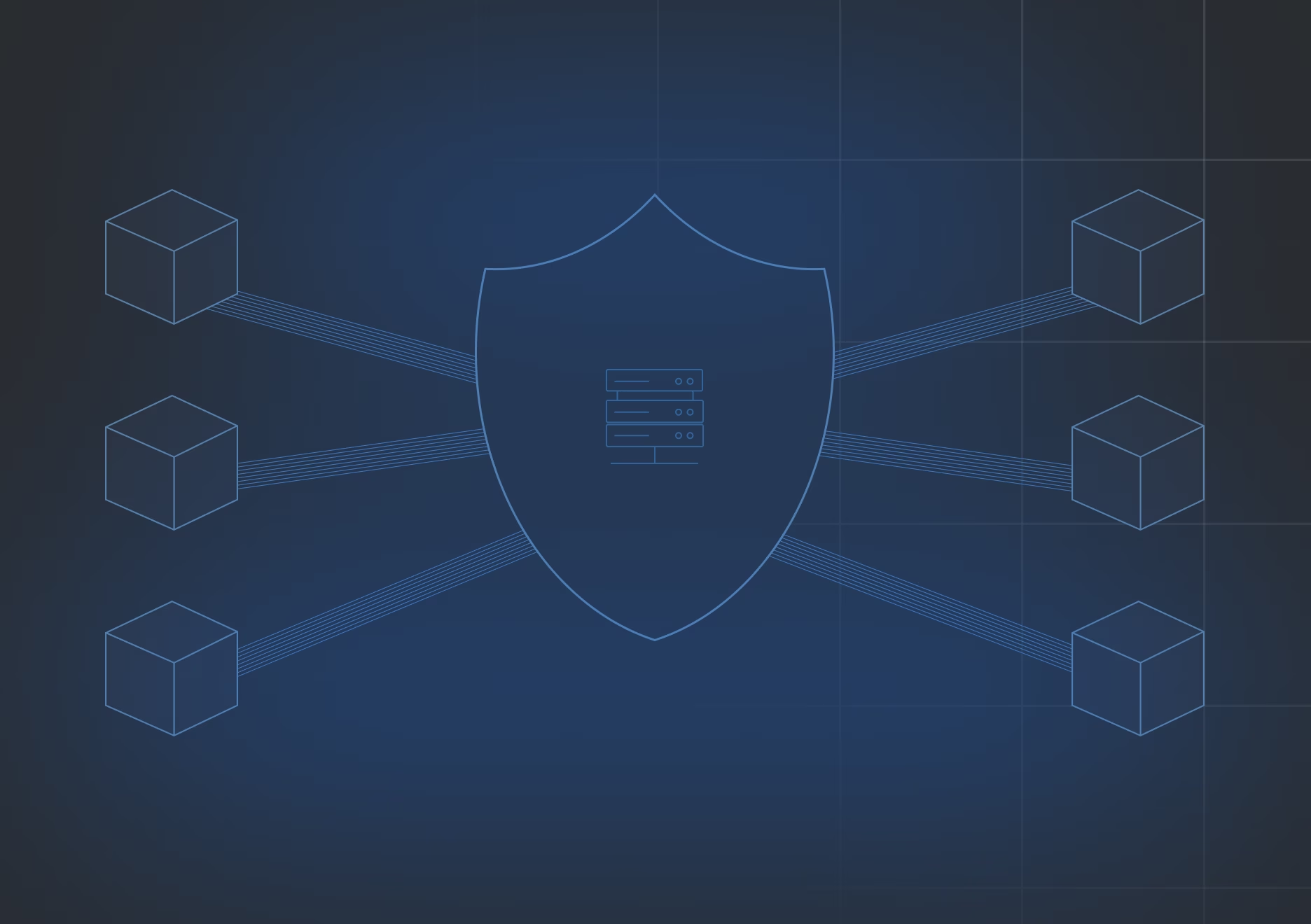
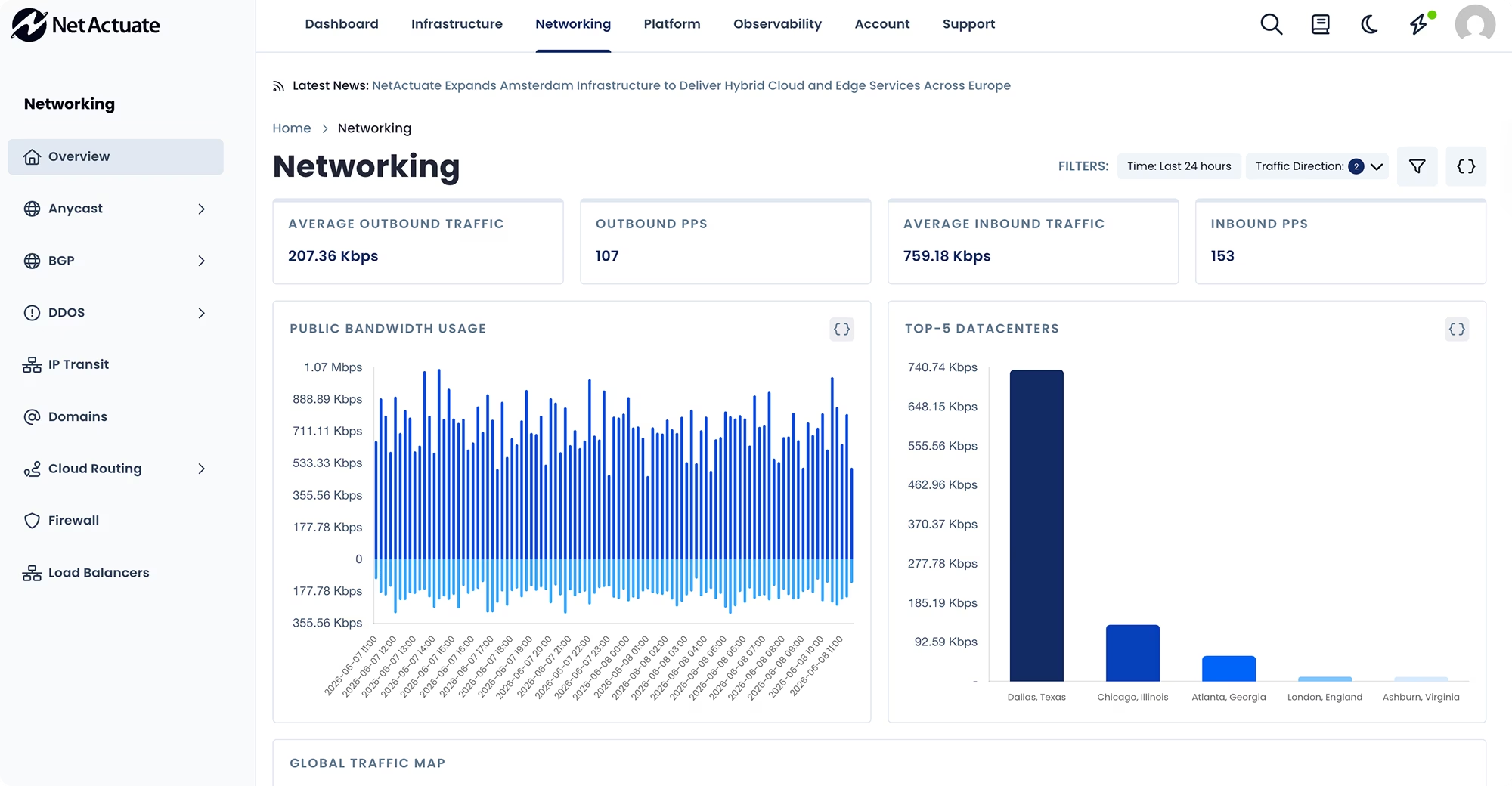
The NetActuate Firewall is a fully stateful Layer 3 firewall service for edge virtual machines. Unlike simple ACLs, a stateful firewall tracks the state of active connections — allowing legitimate return traffic while blocking unsolicited inbound packets. You define named firewall sets (groups of rules), then assign those sets to one or more VMs.
Rules can be enforced automatically at VM deployment, ensuring new servers are always protected from the moment they come online.

Track active connection state for TCP, UDP, and ICMP traffic. Legitimate return traffic is automatically allowed; unsolicited packets are dropped.
Create reusable rule sets and assign them to any number of VMs. Update a set once and changes propagate across all attached instances.
Define rules for both directions of traffic with full control over source/destination IPs, port ranges, and protocols.
Firewall sets can default to deny-all, with only explicitly permitted traffic allowed a security best practice for exposed infrastructure.
Firewall rules are also available natively within VPCs, allowing policy enforcement at the network gateway level for all VPC resources.
Build, update, and assign firewall sets from the NetActuate portal or via API for integration with infrastructure-as-code workflows.

The NetActuate VM Interface Firewall lets you create rule sets that control traffic to your virtual machine network interfaces. Create named firewall sets, define IPv4 and IPv6 rules with accept/drop actions, and apply them across your fleet of servers from the portal or API.
Not by default - but you can configure your account to auto-assign a firewall set to every new VM at deployment. This is the recommended approach for teams that require all infrastructure to be protected from launch.
Rules are organized into named firewall sets. Each set contains ordered allow/deny rules with source IP, destination IP, port, and protocol criteria. Sets are assigned to one or more VMs and take effect immediately upon assignment.
VPC resources have firewall protection available at the VPC gateway level, in addition to the per-VM firewall. Both can be used together for defense-in-depth.
If a firewall rule blocks your own access, you can modify or remove the rule from the portal without needing a network connection to the affected VM. Our support team can also assist with firewall troubleshooting if needed.
Yes. The full firewall API allows you to create, update, and assign firewall sets programmatically compatible with Terraform, Ansible, and other infrastructure-as-code tools.
.png)
.png)


