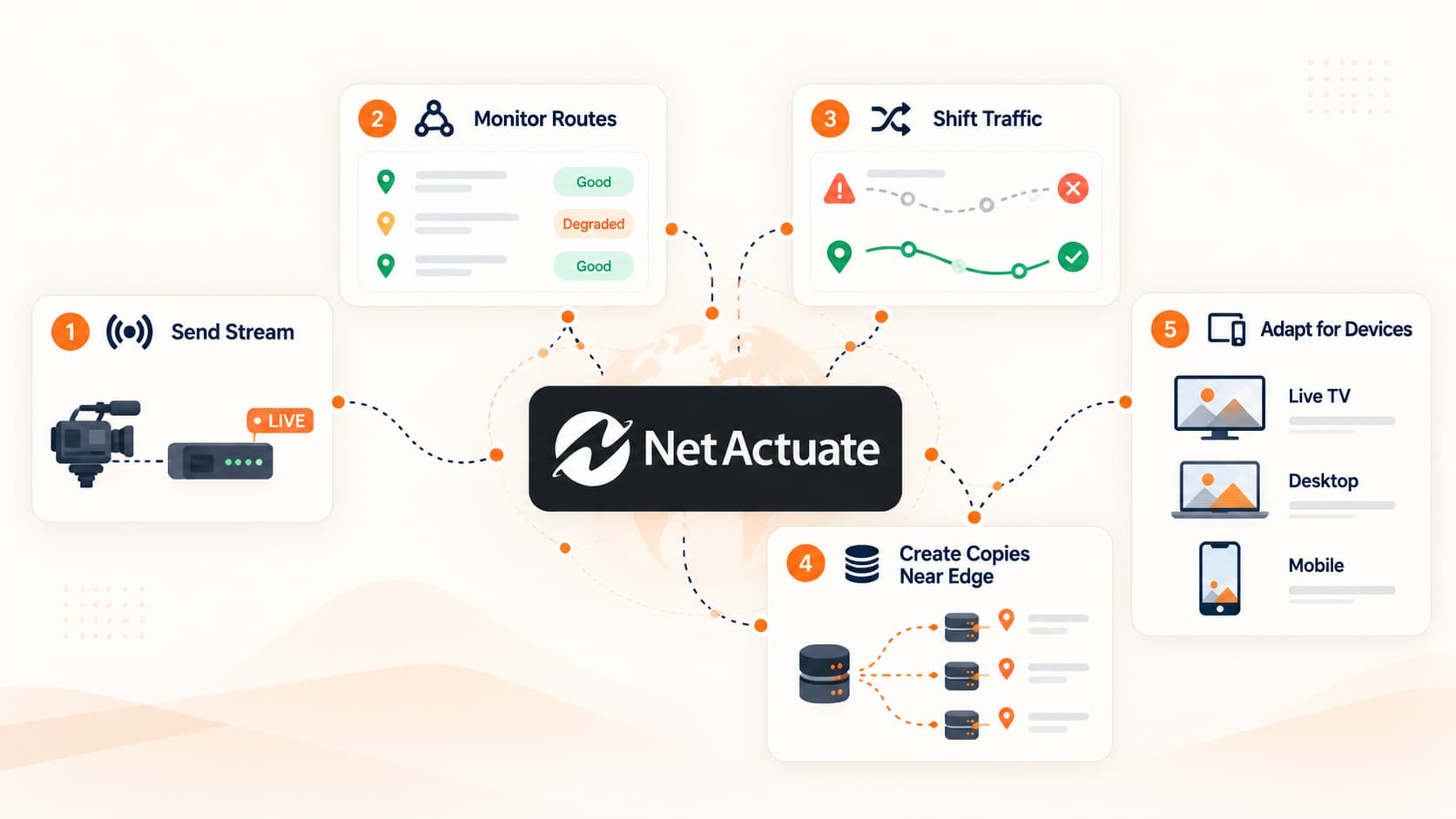
Browse 110+ Media and Streaming Appliances on the NetActuate Media Marketplace
Explore


Browse 110+ Media and Streaming Appliances on the NetActuate Media Marketplace

By clicking "Accept all" you allow cookies that improve your experience on our site, help us analyze site performance and usage, and enable us to show relevant marketing content. You can manage cookie settings below. By clicking “Confirm selection” you agree with the current settings.


If you’re an experienced Xen user, or just need to tweak advanced settings for your instance with us you can no do so. Simply go to your servers dashboard, select Options, and scroll down to the advanced options setting.
You can control every option of your cloud server, from the boot loader/type, how disks are represented, and various emulation settings among others.
Thanks,The Host Virtual, Inc Team

.png)
.png)