Browse 110+ Media and Streaming Appliances on the NetActuate Media Marketplace
Explore


Browse 110+ Media and Streaming Appliances on the NetActuate Media Marketplace

By clicking "Accept all" you allow cookies that improve your experience on our site, help us analyze site performance and usage, and enable us to show relevant marketing content. You can manage cookie settings below. By clicking “Confirm selection” you agree with the current settings.

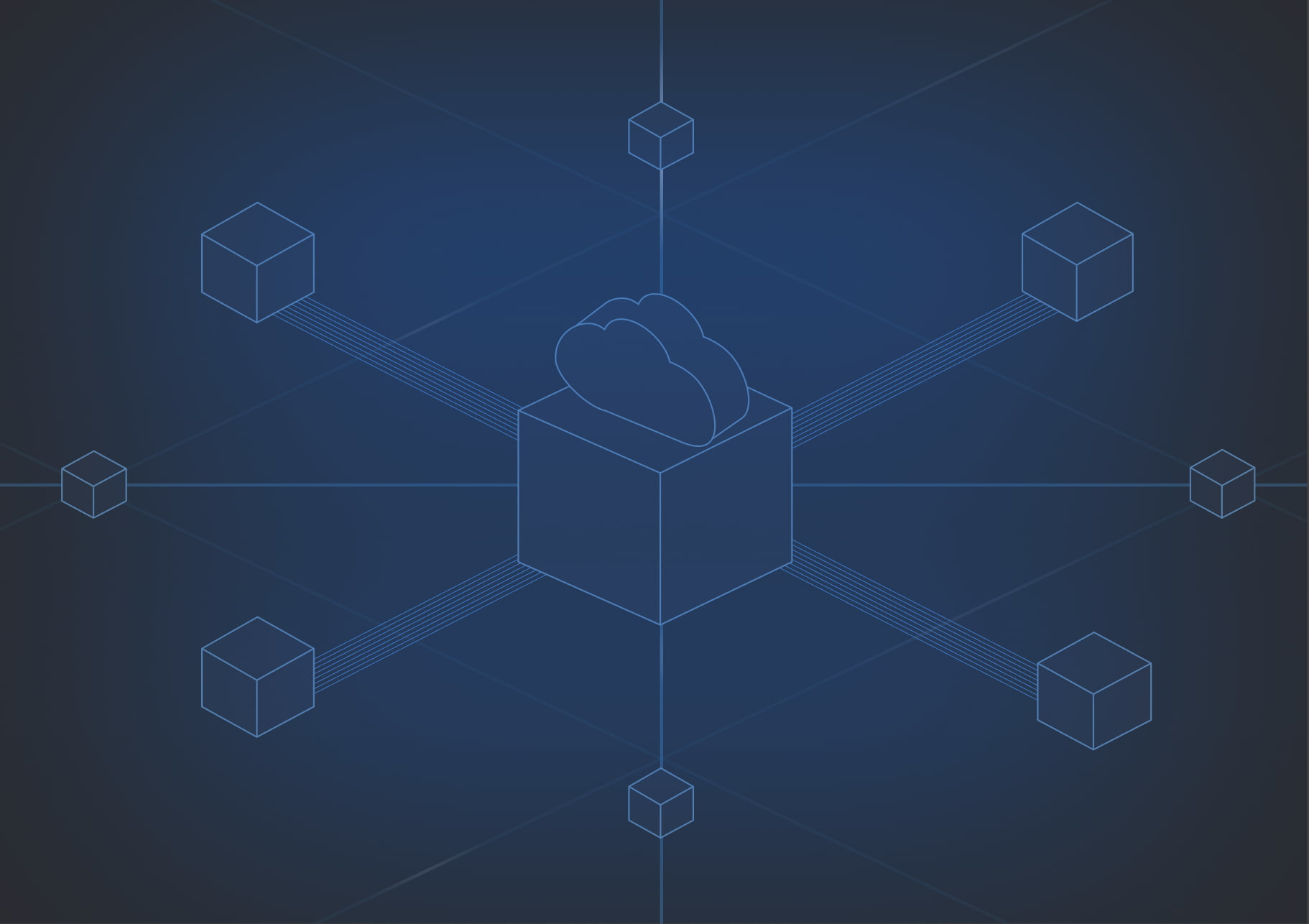
Most multi-site network builds hit the same wall: you need real routing capability (BGP, VRFs, NAT, encrypted tunnels) but standing it up usually means racking hardware or learning a router CLI. NetActuate Cloud Routers remove that wall. Magic Mesh removes the next one: connecting sites together without touching a tunnel config by hand.
A Cloud Router is a managed, VyOS-based virtual router deployed as a VM in any NetActuate PoP. There's no SSH, no CLI, no physical box to rack. Everything runs through the portal or API: BGP sessions with NetActuate or third-party peers, multiple VRFs for isolated routing tables, static routes, SNAT/DNAT rules, and WireGuard tunnels for encrypted point-to-point connectivity. Interfaces support WireGuard, GRE tunnels, dummy interfaces for advertising networks via BGP, and Ethernet/VLAN attachments for peering with providers like AWS Direct Connect. Direct CLI access isn't offered by design, which keeps configuration state consistent and auditable.
Cloud Routers attach directly to your VPC, bare metal servers, VMs, and IX connections. That makes them a flexible building block for routing between NetActuate and on-prem infrastructure, peering at an internet exchange, or shaping traffic between network segments. See the Cloud Routers documentation for the full breakdown.
Deploying routers at multiple sites is only half the job. Connecting them together is usually the tedious part. Magic Mesh automates that step. Select a source and destination Cloud Router in the portal, click Mesh, and the platform builds an encrypted overlay automatically: no manual key exchange, no firewall troubleshooting, no CLI.
Under the hood, Magic Mesh creates encrypted GRE-in-WireGuard tunnels between the routers in the mesh and configures iBGP with route reflectors, chosen automatically based on geographic distribution. Routes on each Cloud Router, whether static or BGP-learned, get shared across the whole mesh without you touching a routing table. Add a third site or a dozen, and the mesh supports full-mesh, hub-and-spoke, or partial-mesh topologies. One limitation worth knowing: Magic Mesh works with the default VRF only, so isolated routing tables still require manual setup on individual routers. See the Magic Mesh documentation for the full breakdown.
Together, Cloud Routers and Magic Mesh cover network patterns that used to require dedicated hardware or manual BGP work: connecting a NetActuate VPC to on-prem infrastructure, peering at an IX from inside a VPC, building multi-site WireGuard overlays between distributed teams, meshing a VPC with AWS, GCP, or Azure, and giving remote offices private connectivity without a hardware VPN appliance. Multi-tenant environments needing isolated routing domains can rely on VRF separation directly on the router.
Pricing follows the same model across both products: no router licensing fees, no per-tunnel charges, no feature surcharges. You pay for the compute and bandwidth you use.
NetActuate delivers this from 50+ global PoPs, so your routers and the mesh connecting them stay as close to your workloads as the rest of the platform.
Ready to replace hardware routers and manual tunnels with something you manage from the portal or API? Explore Cloud Routers and Magic Mesh at NetActuate, or review the full suite of Networking options.
Book a call with the team to talk through your routing and multi-site connectivity needs.

.png)
.png)